SQL AI Easy Scan | E Stream MSC

Snap. AI Extract. Verify. Done.
SQL AI Easy Scan
Make Accounting Effortless

SQL AI EasyScan helps accountants and businesses eliminate manual data entry by instantly converting receipts bills and documents into ready to use accounting entries.
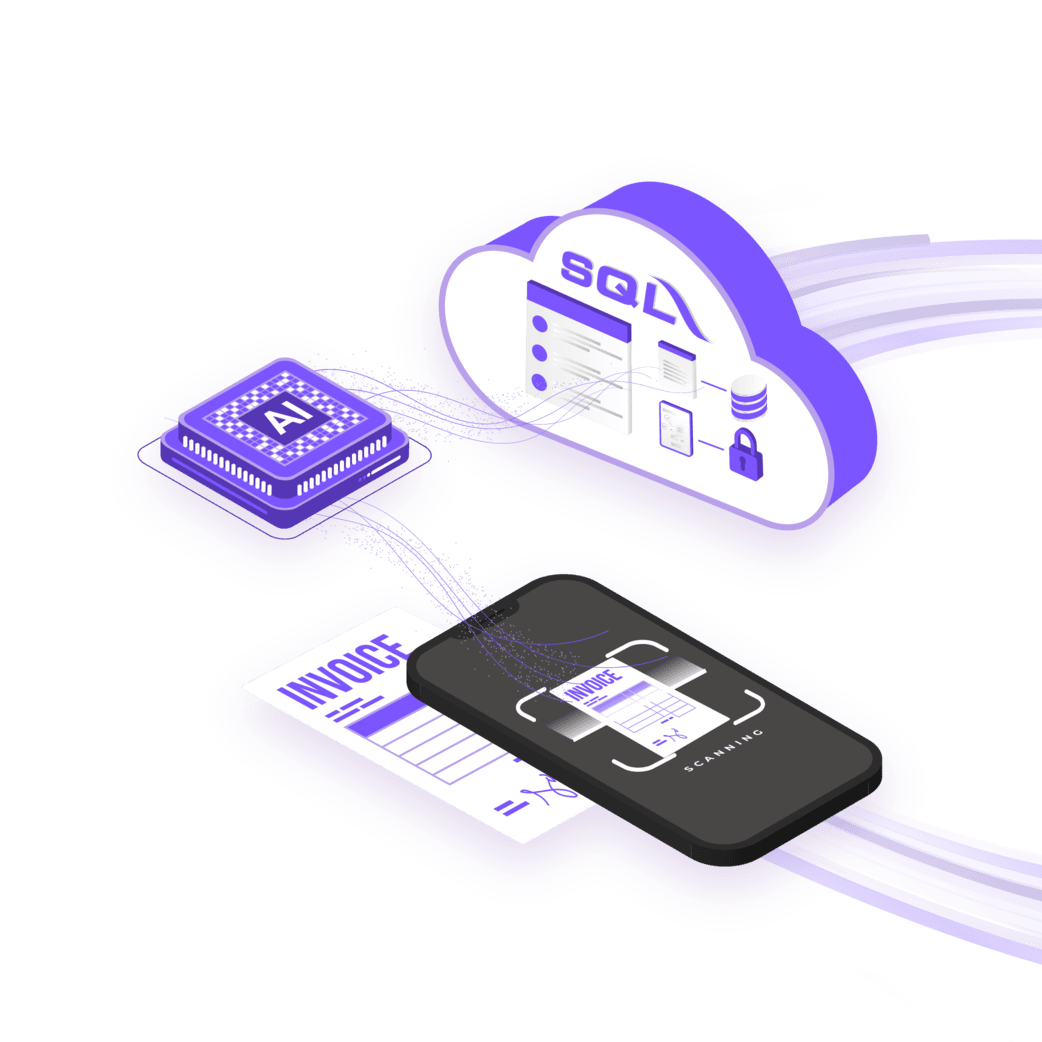
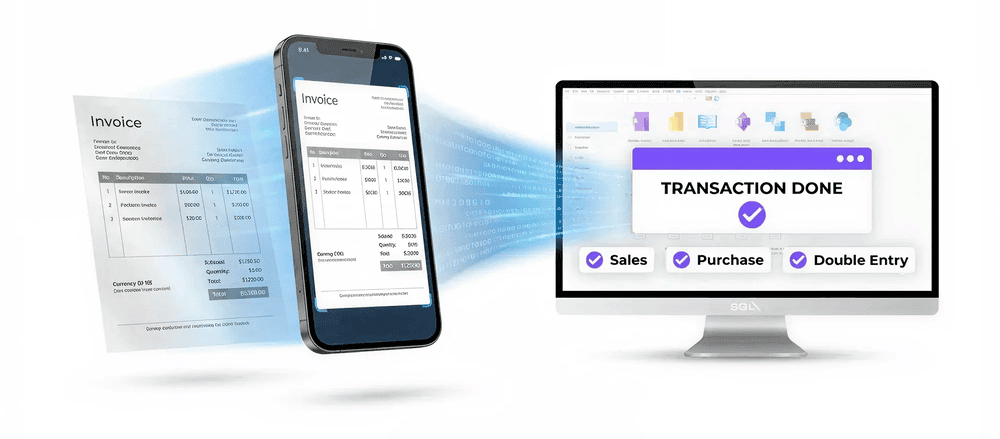
header-graphic

What Is SQL AI EasyScan?

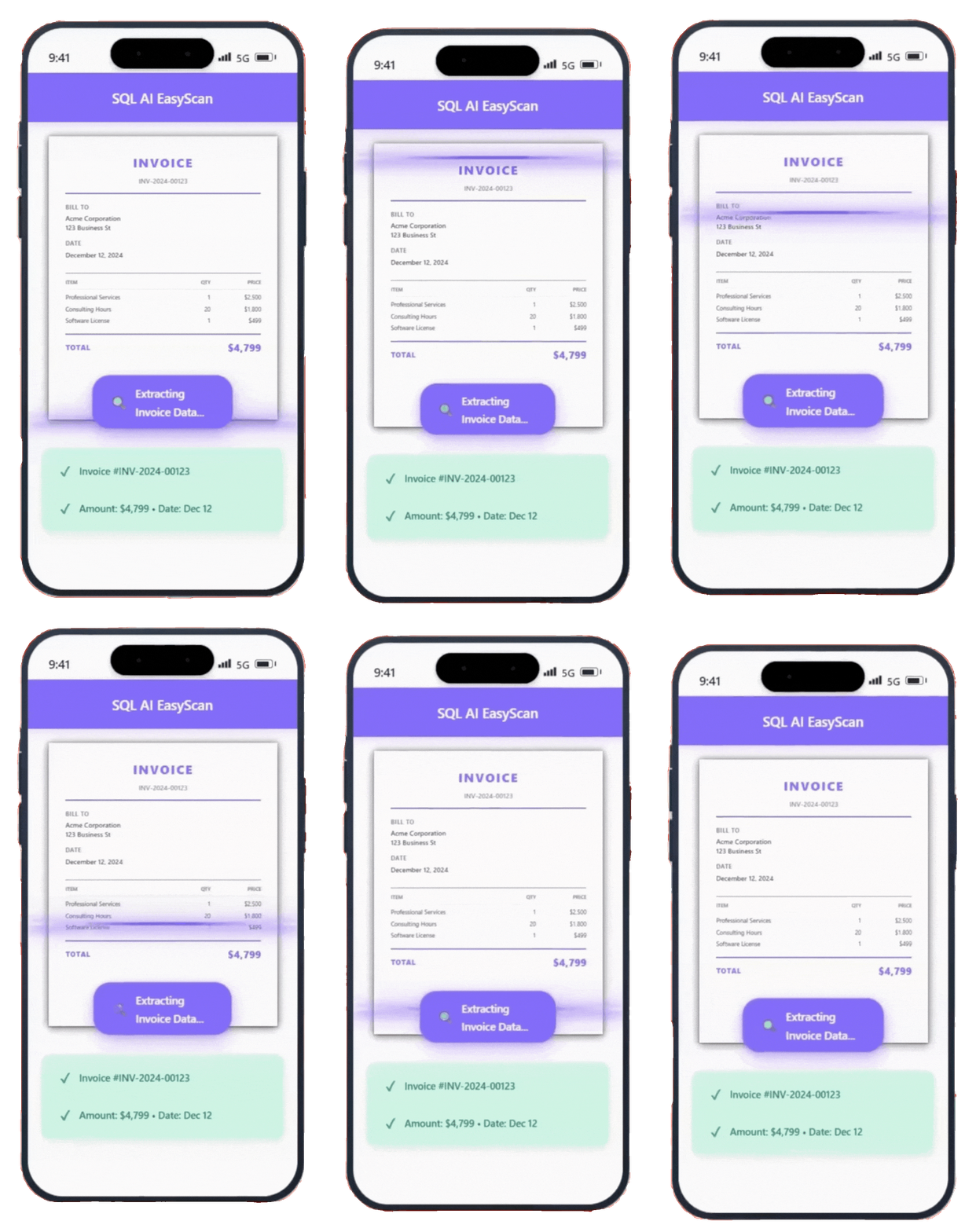
SQL AI EasyScan is an AI powered OCR tool that converts handwritten and digital documents into structured accounting entries within seconds, delivering faster, more accurate, and fully automated data processing for modern businesses across industries.​
Robot Icon

AI Powered OCR

Advanced AI reads printed handwritten and digital documents with high accuracy. Key details such as supplier date amount tax and description are extracted automatically and prepared for accounting use.
Thunder Icon

Instant Processing

Documents are converted into structured accounting data within seconds. No more hours spent on manual key in review faster and complete more work in less time.
Brain Icon

Accounting Ready Intelligence

SQL AI EasyScan understands accounting context not just text. It detects document types assigns the correct entry category and opens the matching accounting screen instantly.
Shield Icon

Secure and Scalable

All documents are encrypted and stored securely for audit and compliance needs. From small businesses to large teams SQL AI EasyScan scales effortlessly as your workload grows.
How SQL AI EasyScan Works

Turn Paperwork Into Productivity In 3 Simple Steps:

Step 1: Snap or Upload

01
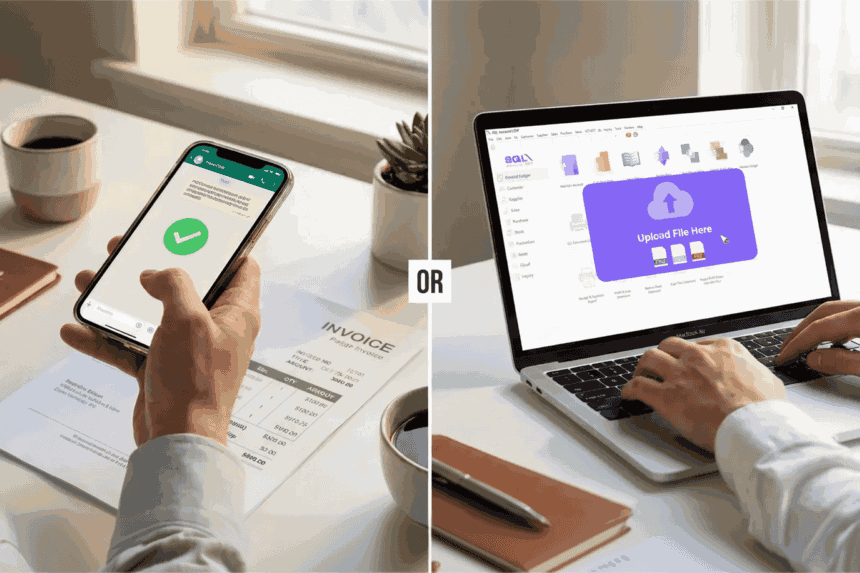
Snap via WhatsApp:
Take a photo and send it to your registered WhatsApp number. Once you see the green tick, your document is securely delivered to SQL Account.
Upload directly:
Documents can also be uploaded directly into SQL AI Easy Scan for a fast and simple submission process.

Step 2: AI Does Everything

02
Automatic scanning:
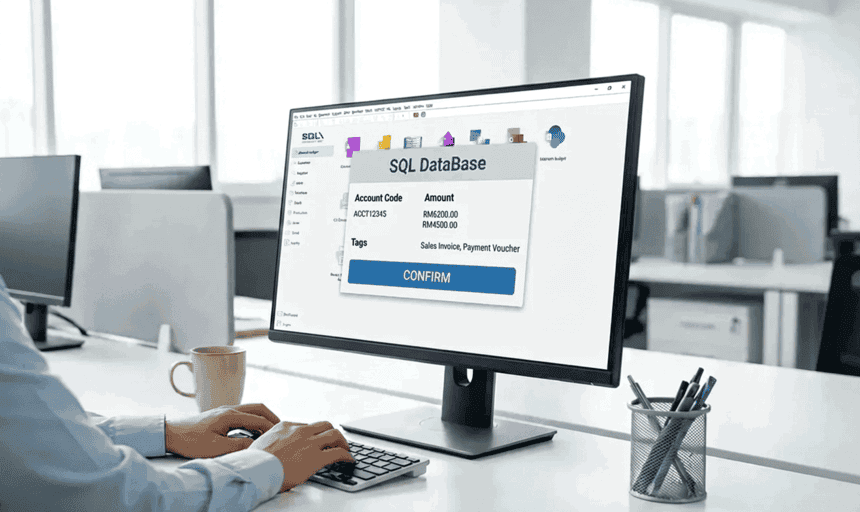
AI scans each document, assigns the correct category and account code, and identifies the type such as Sales Invoice, Purchase Invoice, or Payment Voucher in seconds.
Smart processing:
With one click, SQL opens the matching screen and automatically fills all data accurately.

Step 3: Review & Confirm

03
Instant preview:
All extracted receipt details including merchant name, date, receipt number, line items, taxes, totals, and payment method are displayed instantly in a clear, structured summary for quick review and confirmation in SQL Account system.
Final confirmation:
Once confirmed, the system completes the entry automatically, eliminating manual keying and repetition.

Core Functions of SQL AI Easy Scan

Powered by advanced AI OCR technology

Intelligent Data Extraction

  • Automatically extracts supplier name, receipt number, date, description, amount, tax, and more
  • Recognizes handwritten documents, receipts, and electronic PDF files
  • High recognition accuracy powered by advanced AI OCR

Smart Document Processing

  • Automatically detects document types (Invoice, Receipt, Voucher, etc.)
  • Intelligently categorizes expenses and assigns correct accounting codes
  • Learns your preferences and remembers them for future scans

Advanced Features of SQL AI Easy Scan

Intelligent Features Built for Reliable and Seamless Automation

Clipboard Icon

Detail View or Single Line

Capture item details individually or merge them into one clean line via the toggle. Switching between views allows for flexible presentation based on your required level of detail.

Link Icon

Combine Multiple Files

Easily handle multiple receipts for a single entry. AI groups selected files and combines them into one transaction, letting you choose between a merged or detailed view.

Settings Icon

Smart Accounting Categories

Create custom categories to enhance precision in account coding. These categories guide the AI to automatically assign the most suitable account for every processed document.

Brain Icon

AI that learns your habits

The system studies your previous patterns and applies that logic to future scans. This ensures consistent classification and significantly reduces the need for manual adjustments.

Shield Icon

Duplicate Protection for Safe Posting

The engine detects repeated documents before posting and issues a warning. This safeguard prevents double entries, helping you maintain clean and accurate accounting records.

Lightning Icon

Instant Review with Custom Layouts

Recall and review posted transactions immediately inside the app. Multiple interface layouts are supported, allowing the display to adapt smoothly to your preferred working style.

Search Icon

Auto Detection of Deleted Documents

Instantly identify and restore deleted transactions without losing extracted data. This ensures processing continuity even if accidental deletions occur during your workflow.

Robot Icon

Audit Ready Record Keeping

All documents are stored securely in the SQL database with complete audit evidence. This structured storage keeps records organized and strictly ready for compliance checks.

Monitor Icon

Automatic Detection of Document Type

The system identifies document types during upload and matches the correct entry format. This recognition maintains a familiar workflow and ensures smooth processing.

Benefit of AI EasyScan

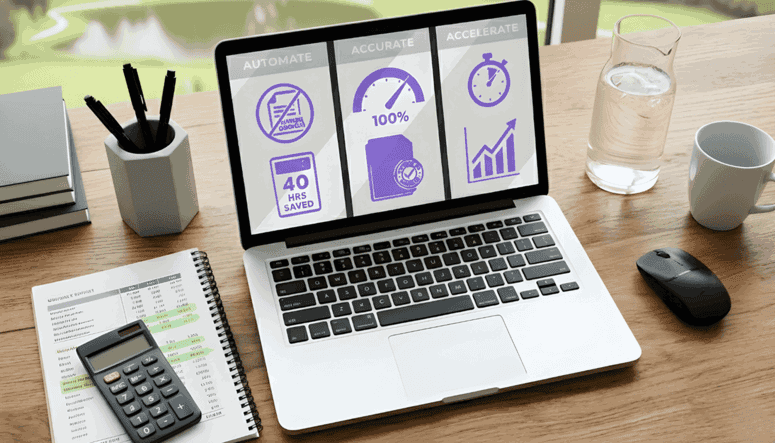
Experience next-level efficiency with SQL AI Easy Scan

Automated Data Entry

Eliminates or significantly reduces the need for manual data entry from physical documents such as invoices, receipts, and bills.

No More Missing Documents

All files are securely stored in the database and kept audit ready, ensuring there is no concern about lost or misplaced documents.

AI Auto Extracts and Fills In Data Instantly

AI extracts information and completes all required fields within seconds, increasing accuracy and reducing manual entry errors.

Maintain Complete Audit Trails

Remote staff can send receipts, and freelancers and accountants can receive client documents instantly through WhatsApp, resulting in faster and more convenient account management.

Who Benefits From AI EasyScan

Accounting Firms

Automate repetitive data entry, improve accuracy, and accelerate client reporting with AI-powered processing.

SMEs & Enterprises

Support business growth with automation that handles rising document volumes without adding manpower.

Accounts Department

Process receipts, invoices, and billing documents instantly to maintain smooth monthly closing cycles.

High-Volume Businesses

Manage large batches of documents quickly and accurately, minimizing errors and speeding up operations.

Cost-Conscious Companies

Reduce manual workload, cut operational costs, and boost overall efficiency through automation.

Handwritten Bill Users

Convert handwritten bills and notes into clean digital data effortlessly with advanced AI recognition.

Introduction Video

See SQL AI EasyScan in action

SQL AI EasyScan

Free Up to 31 July 2026

Experience Effortless Data Entry with SQL AI Easy Scan

AI converts bills and receipts into accurate accounting entries with Unlimited OCR Scans and 10 Years Data Storage

Try It Now

STEP 1: Scan QR Code to pay

SQL

STEP 2: Click here to email payment info