SQL Mobile Sales | E Stream MSC

MOBILE APP FOR SQL ACCOUNT
SQL Mobile Sales
for Malaysia businesses
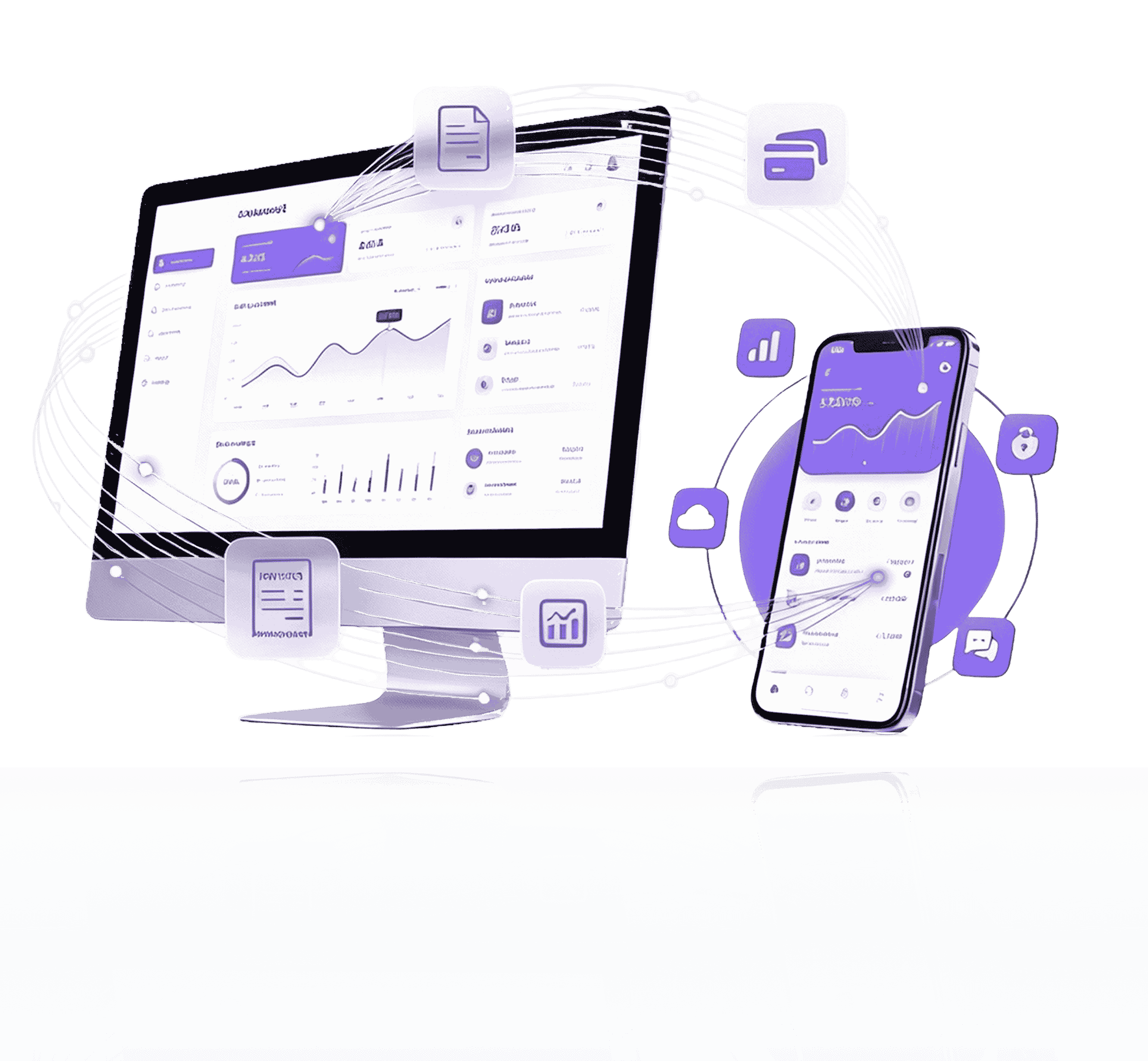
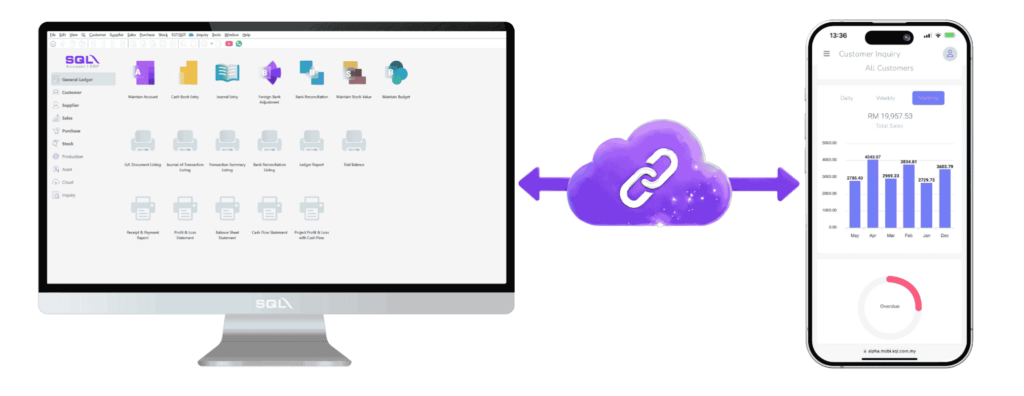
Let your sales team create customers, check stock, issue invoices and collect payments directly from their phones, all fully synced with SQL Account.


header-graphic

Why is SQL Mobile Sales?

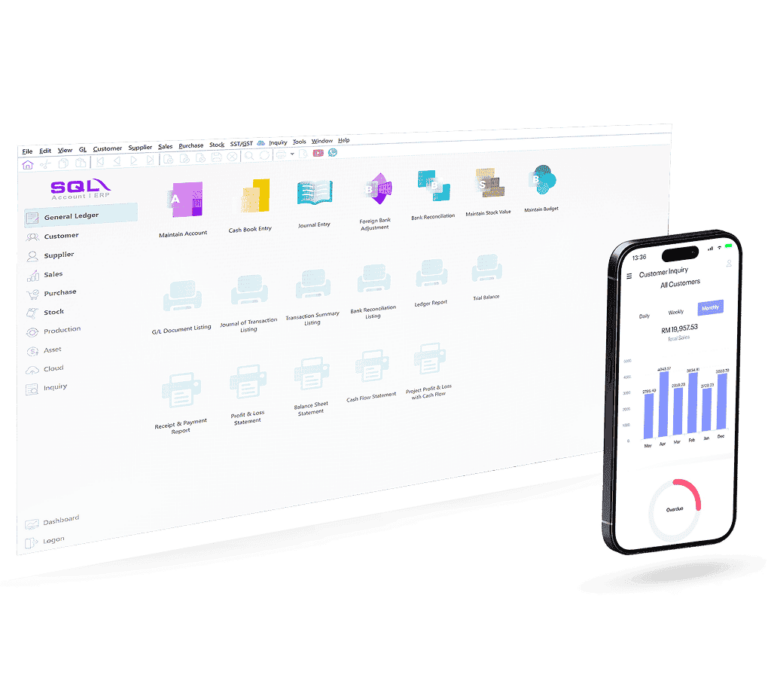
SQL Mobile Sales is a browser-based web application that extends SQL Account Software to sales and management teams, It provides​ remote access to customer, stock and sales information, and allows the creation of sales documents that link directly with SQL Account Desktop.

Linked to SQL Account:
Operates using live data from SQL Account, ensuring consistent and up-to-date information across sales and accounting.

Web Application Access:
Runs entirely in a browser on computers, tablets or mobile devices, enabling remote access without installation.

Efficient Sales Operations:
Customer viewing, stock checks, sales documents and payments are all synced with SQL Account.

Who Is SQL Mobile Sales For?

Ideal For Anyone Who Needs Instant Access To Customers, Pricing And Stock While On The Move

Business Owners
Owners and managers who want to see live daily sales, customer performance and outstanding balances from their phone.
Field Sales Teams
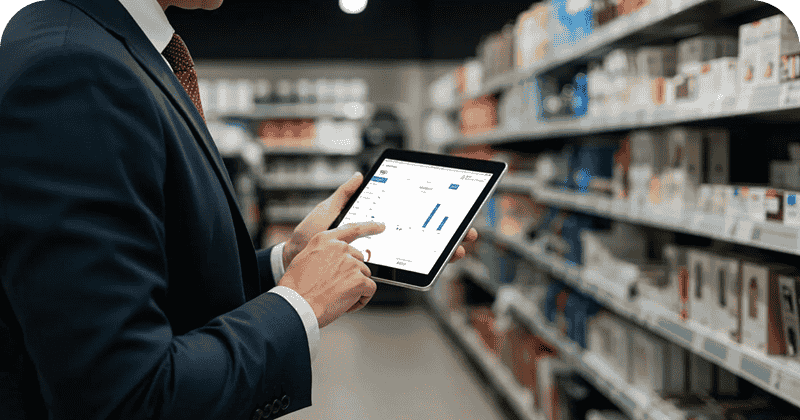
Sales representatives visiting customers, outlets, or job sites can check stock, pricing, and credit status without calling the office.
Distributors & Wholesalers

Businesses with large customer bases that want faster order-taking, on-the-spot invoicing and smoother deliveries.

Key Features Of SQL Mobile Sales

Unlock Mobile Freedom While Keeping The Full Power Of SQL Account

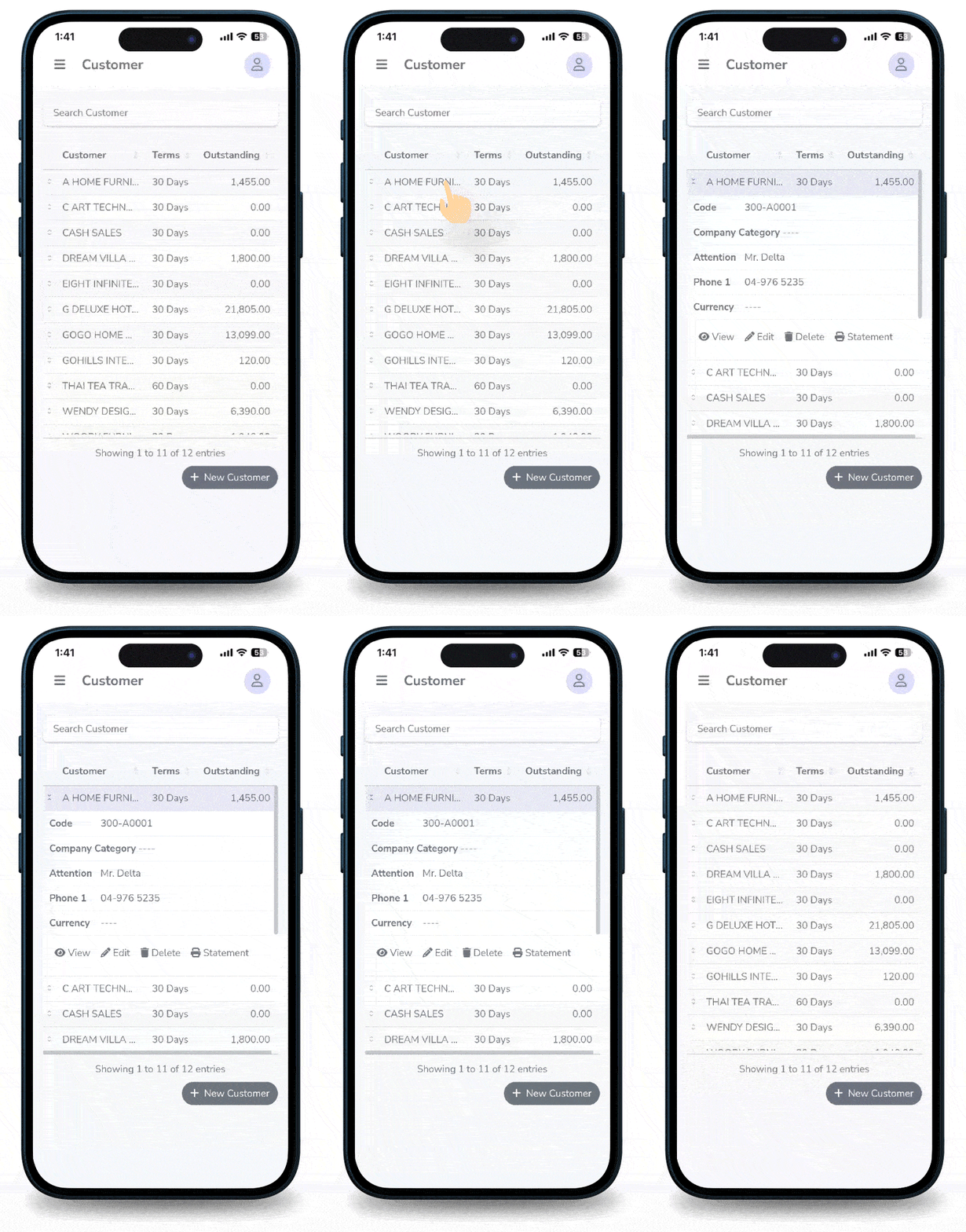
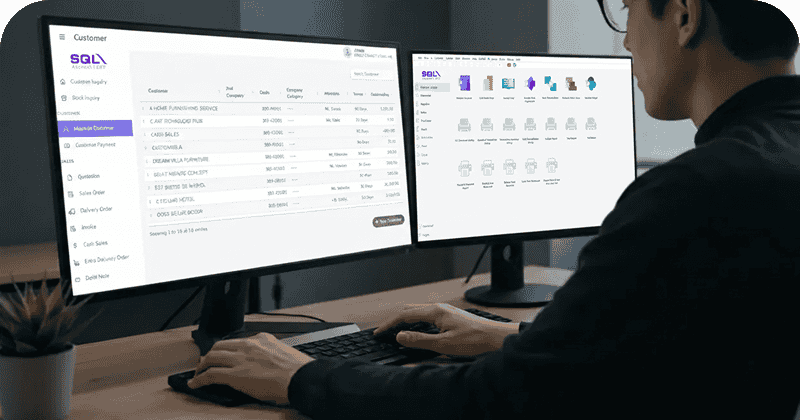
Create And Manage Customers On The Go

Add new customers or update existing records directly from your phone. Everything syncs back to SQL Account, so your data stays consistent
  • Add new customer ofiles from the field
  • Search and view existing customer details
  • See contact info. credit terms and more

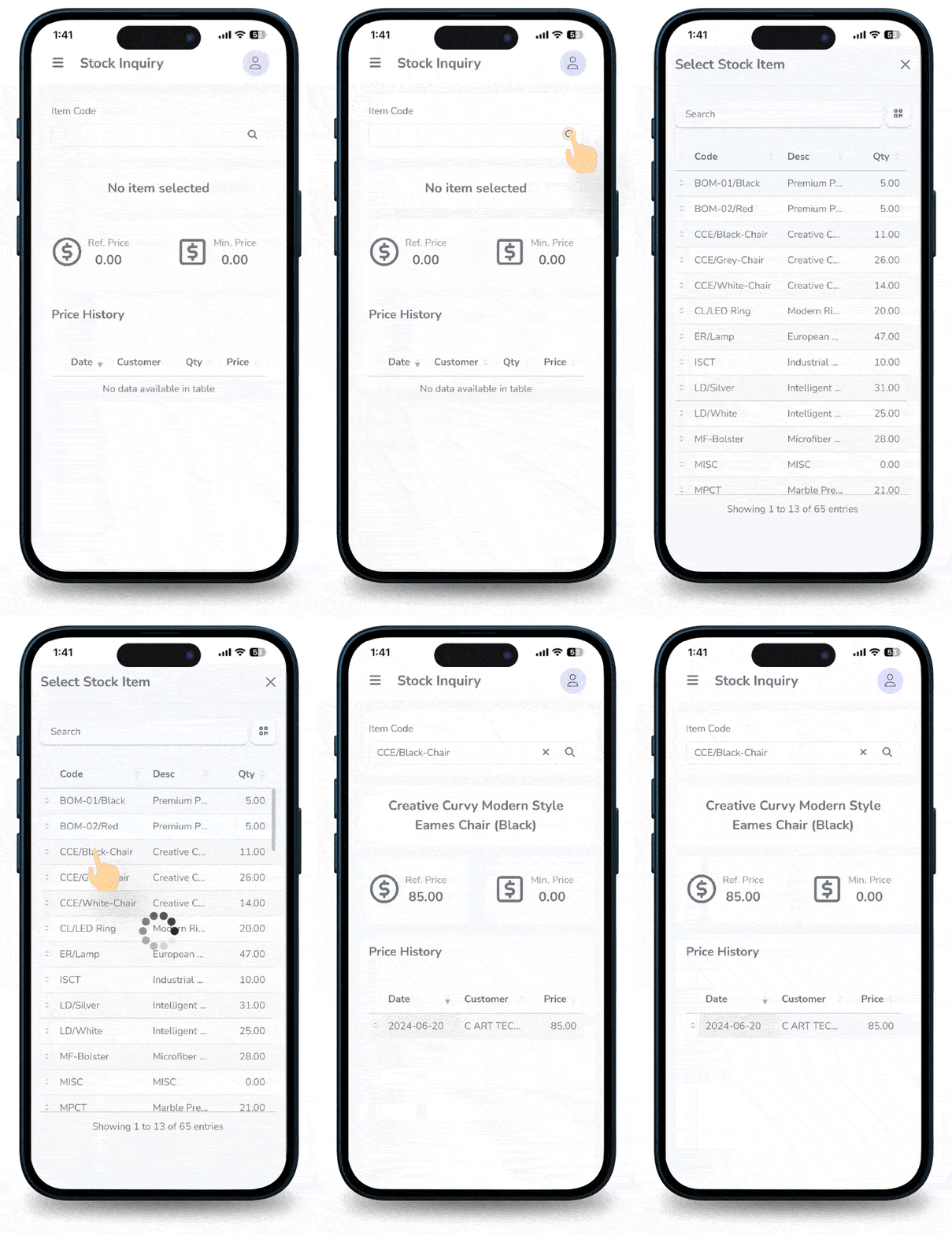
Instant Stock Inquiry Access Anytime

Check real-time stock levels, reference prices and minimum prices before committing to orders right in front of your customers.
  • Live stock quantity and item details
  • See reference and minimum price settings
  • View historical pricing for better negotiations

Comprehensive Customer Overview

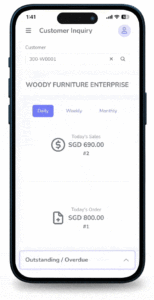
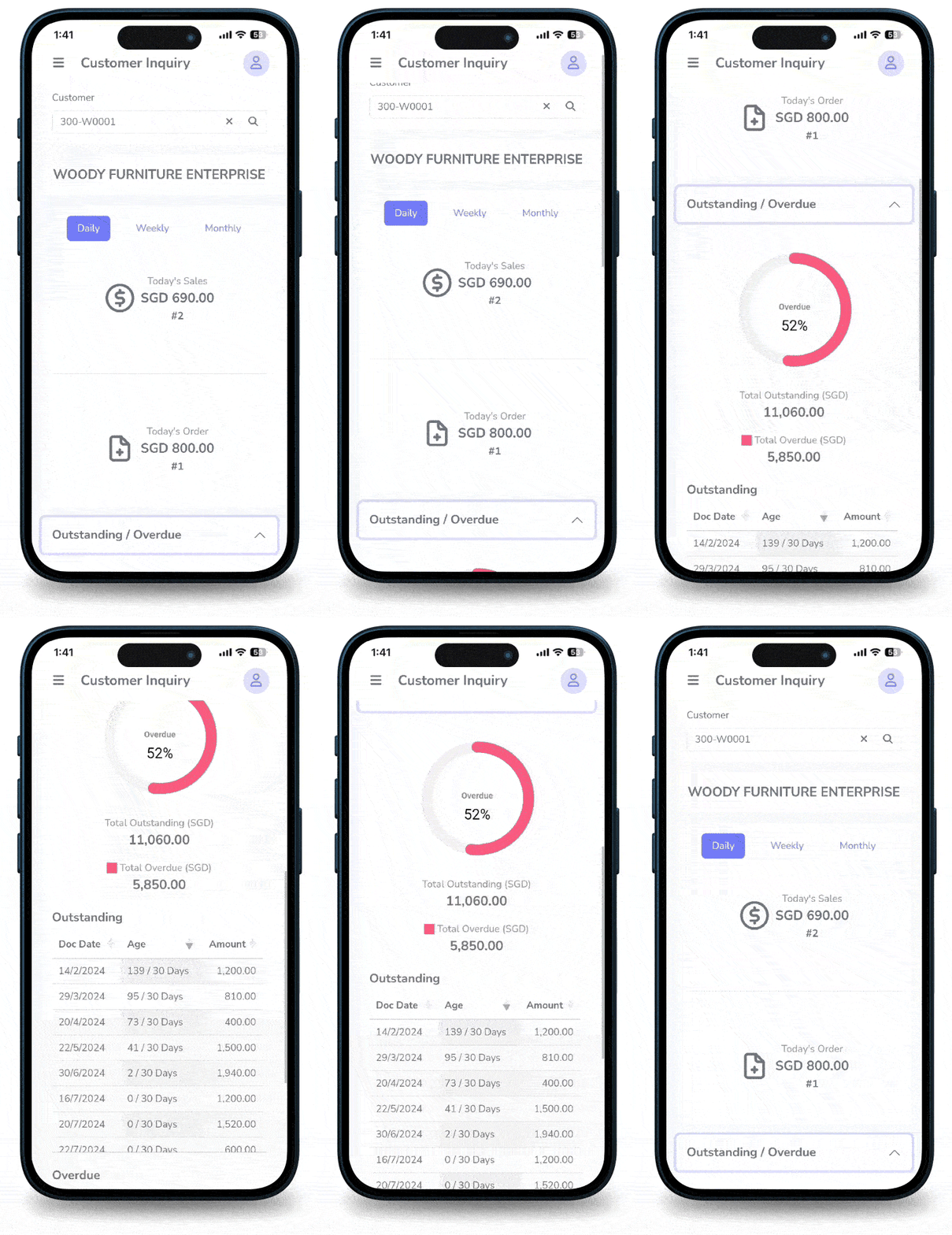
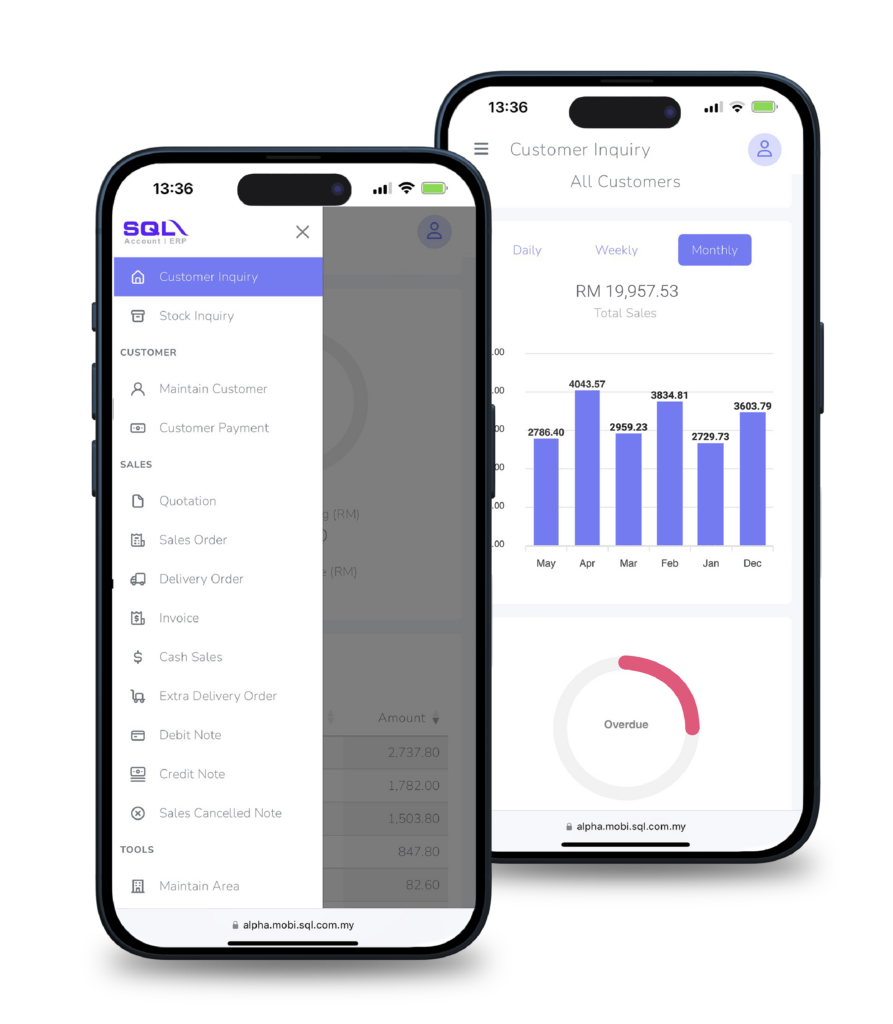
Understand each customer’s situation before offering more credit or discounts. View their sales trend and outstanding balances in a single screen.
  • Daily, weekly and monthly sales charts
  • Detailed sales history per customer
  • Aging and outstanding balances at a glance

Issue Invoices & Delivery Orders On The Spot

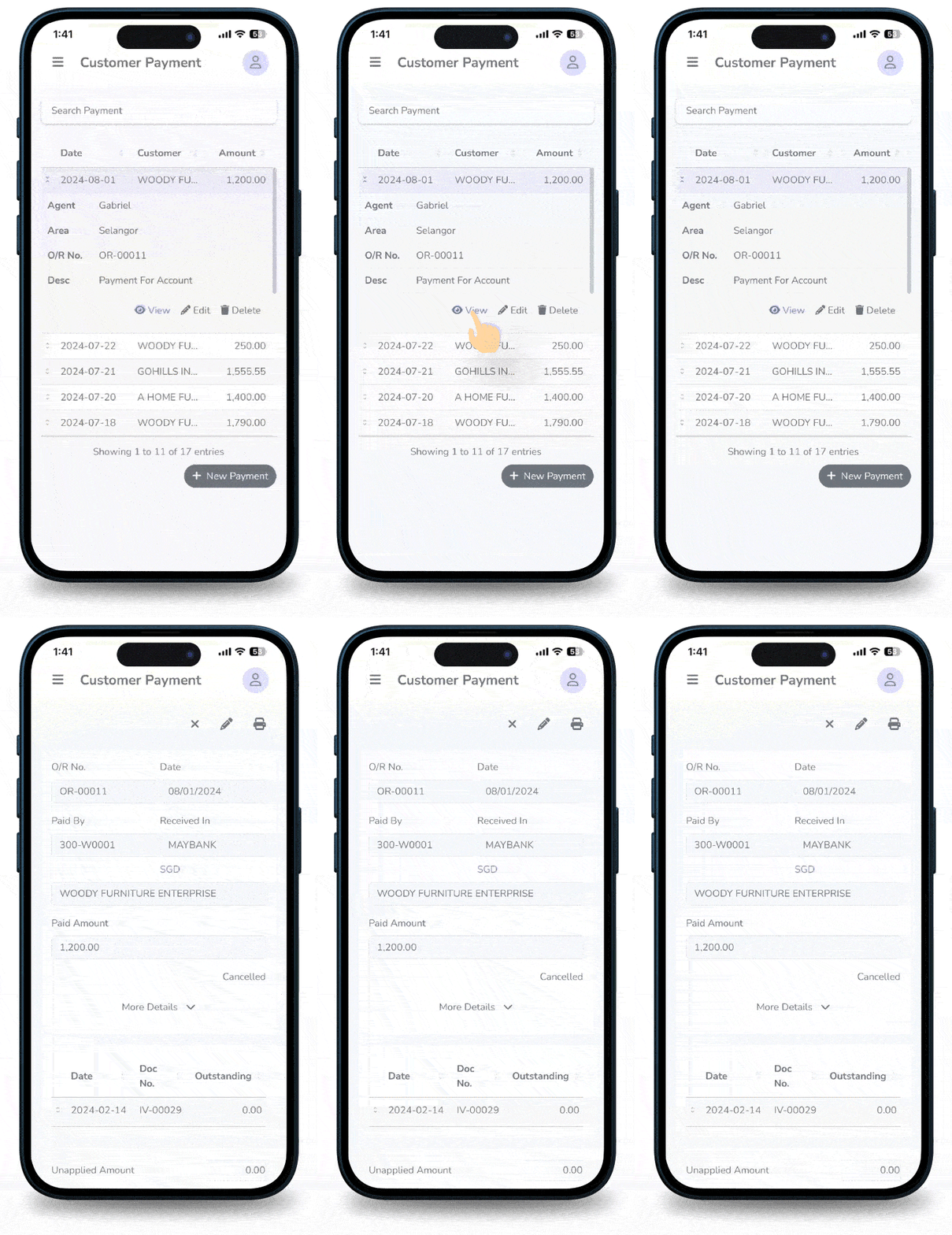
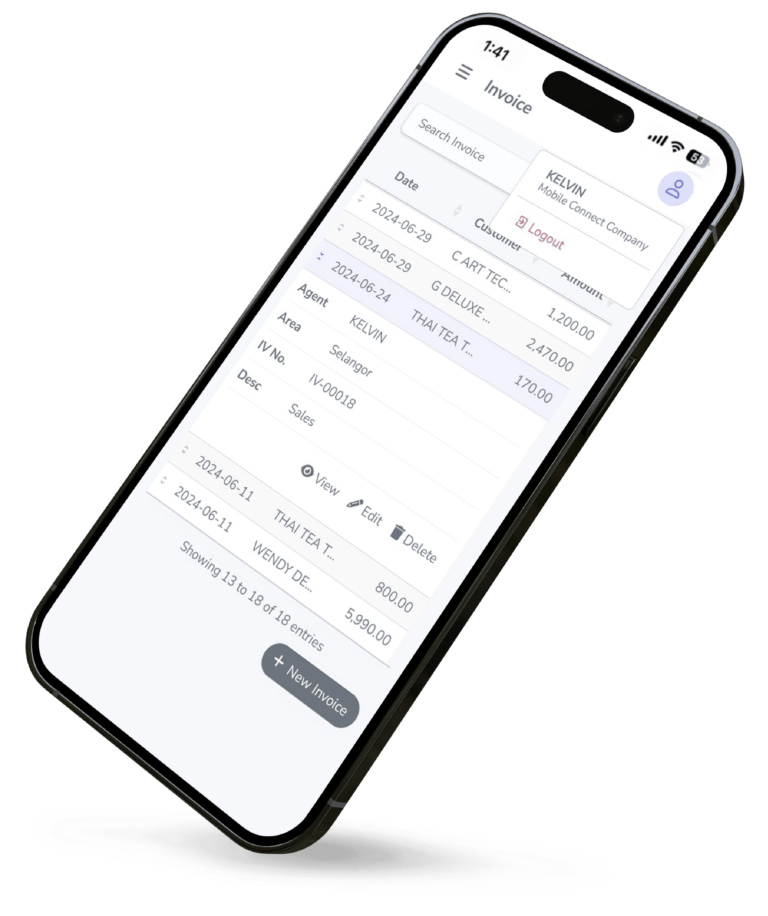
Turn every visit into a complete sales cycle. Create sales orders, invoices and delivery notes directly on your mobile device.
  • Create sales invoices and DOS from your mobile devices
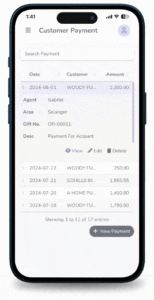
  • Capture payments immediately
  • Reduce delays between order taking and billing
  • Create and manage Delivery Notes conveniently

User Permissions & Data Security

Control what each salesperson can see and do. Protect your sensitive pricing and customer information with role-based access.
  • Create sales invoices and DOs from your phone
  • Capture payments immediately
  • Reduce delays between order taking and billing

Real-Time Posting To SQL Account

Keep accounting and sales aligned. All transactions from SQL Mobile Sales can be posted back to SQL Account in real time.
  • Accurate and up-to-date accounting records
  • Eliminate manual re-keying of documents
  • Speed up closing and reporting
  • Streamlines financial processes

How SQL Mobile Sales Works

A Simple Setup Process To Get Your Sales Team Productive Fast

Step 01
database

Connect to
SQL Account

The SQL Account database is connected to the SQL Mobile Sales web application by an authorised administrator or service provider. Once connected. the system becomes accessible through any supported web browser without installation.

Step 02
user

Configure users
and access rights

Administrators create user accounts and assign access levels such as customer visibility, item access and pricing permissions. All controls are managed centrally to maintain security and compliance.

Step 03
location

Operate from
any location

users access the web application through a browser on a computer. tablet ot mobile device. The system enables customer viewing, stock checking, sales document creation and payment recording. all Synchronised with SQL Account in real time.

Benefits For Your Business

Instant Sales Cycle
Turn quotations into orders, invoices and deliveries on the spot, without waiting to reach the office.
Reduced Pricing Errors
Use live reference and minimum price rules to avoid giving the wrong price or discount.
Stronger Cash Collection
Check aging customer outstanding balances extending more credit, and record payments immediately.
Better Stock Visibility
See stock availability by item and warehouse so you only commit what you can deliver.
Improved Team Performance
Track daily and monthly sales performance by salesperson, even when you are travelling.
Less Manual Data Entry
Transactions are posted directly to SQL reducing re-keying and Account, human error.

Introduction Video

Take Your Sales On the Go with SQL Mobile Sales

Don't limit your workflow to the desktop, add mobility with SQL Mobile Sales.

Try It Now

Frequently Asked
Questions

FAQ Mascot
What is SQL Mobile Sales?

SQL Mobile Sales is a mobile solution that allows sales staff to create sales transactions directly from their mobile devices and sync them with the SQL Accounting system.

Who is suitable to use SQL Mobile Sales?

It is ideal for sales representatives, outdoor sales teams, roadshows, distributors, stock keepers who need to check stock balances, and businesses that require on-the-go sales entry and real-time inventory visibility.

Which devices are supported?

It supports smartphones and tablets (Android / iOS). A stable internet connection is required for data synchronization.

Is data updated in real time?

Yes, data will immediately reflect in SQL Accounting.
All transactions and data created via SQL Mobile Sales are directly written into the SQL Accounting database, including sales transactions, customer inquiry information, customer aging, stock item balances, and customer maintenance data, ensuring real-time accuracy and consistency across the system.

What transactions can be created using Mobile Sales?

Users can create:
Quotations, Sales Orders, Delivery Orders, Invoices, Cash Sales, Debit Notes, Credit Notes, Customer information, Customer Payment...

Can I check item prices and stock on mobile?

Yes. Item price, customer price history, and stock balance can be viewed in real time.

Can user access rights be controlled?

Yes. User access rights can be configured to restrict editing, deletion, and report printing, allowing management to control what each user is permitted to do within Mobile Sales.

Can sales agents be restricted to view only their own sales transactions?

Yes. Agent view templates can be set so that each sales agent can only view their own sales transactions and statements, while access to other agents’ sales data is restricted, ensuring data confidentiality between agents.

Does SQL Mobile Sales support different deployment types?

Yes. SQL Mobile Sales supports all deployment types, including Cloud and Desktop users. For Desktop deployments, additional setup and configuration are required.

What conditions are required for SQL Mobile Sales to operate smoothly?

For Desktop and Hybrid users, an active and online server is required to maintain Mobile Sales connectivity and synchronization.


STEP 1: Scan QR Code to pay

SQL

STEP 2: Click here to email payment info